AI OCR for Finance Helps Turn Documents into Digital Data. How Does It Work?
A Quick Summary to Understand AI OCR
AI OCR (Artificial Intelligence Optical Character Recognition) helps finance teams convert physical documents or PDFs into digital data ready for processing. This process reduces manual input while improving record-keeping accuracy.
- AI OCR can read invoices, receipts, tax invoices, and proof of transfer automatically.
- Document input time can be accelerated by up to 70–90% compared to manual processes.
- The risk of typos, duplicate data, and missed documents is reduced.
- The direct reading results can be saved in best accounting software.
- The finance team focuses more on analysis than entering data one by one.
How Does AI OCR Turn Documents Into Digital Data?
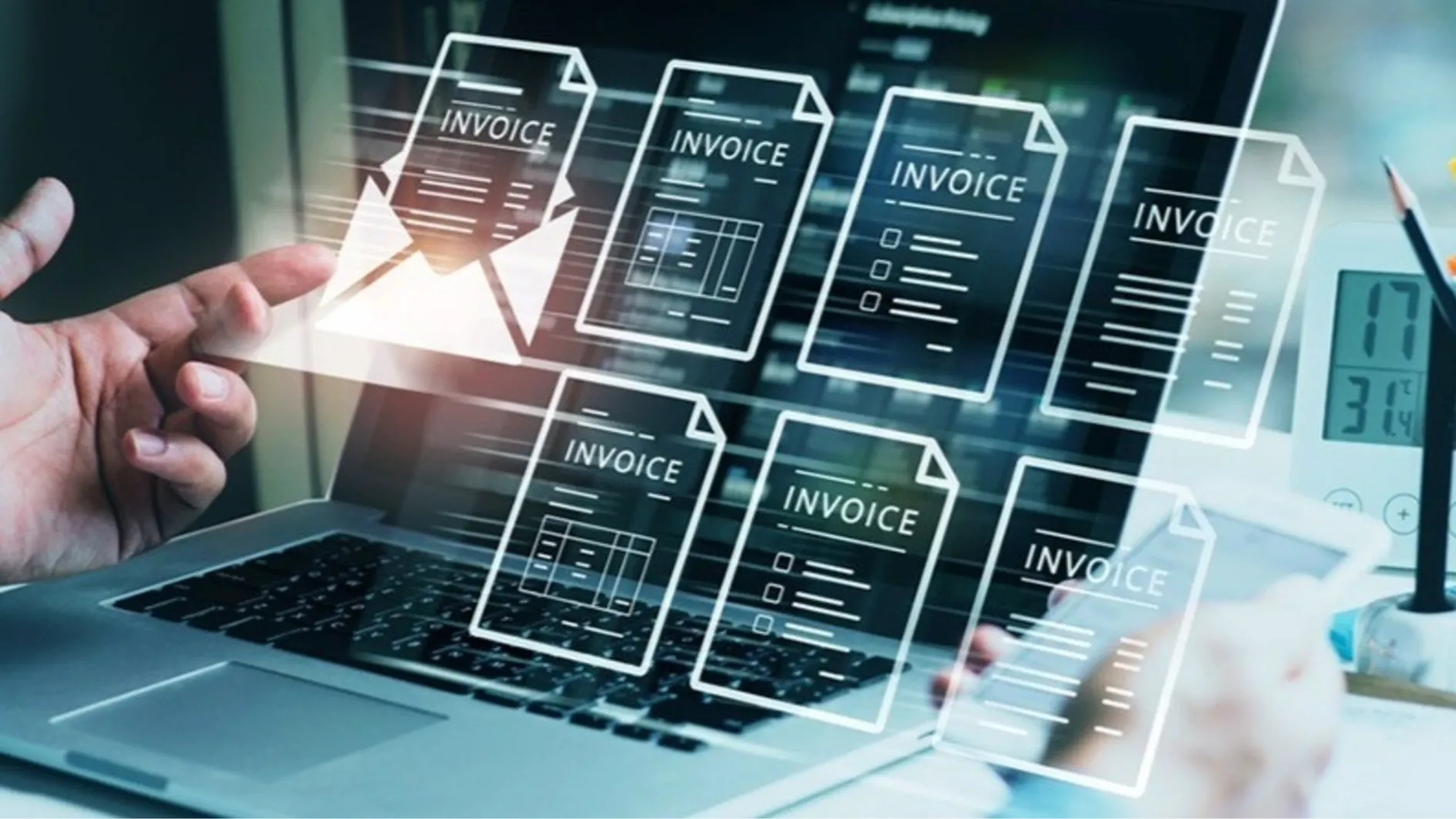
In many companies, finance teams still receive documents in various formats. These include PDF invoices from emails, scanned invoices, photos of payment receipts from WhatsApp, and even printed documents from vendors. If everything has to be retyped, the administrative process becomes slow and prone to errors.
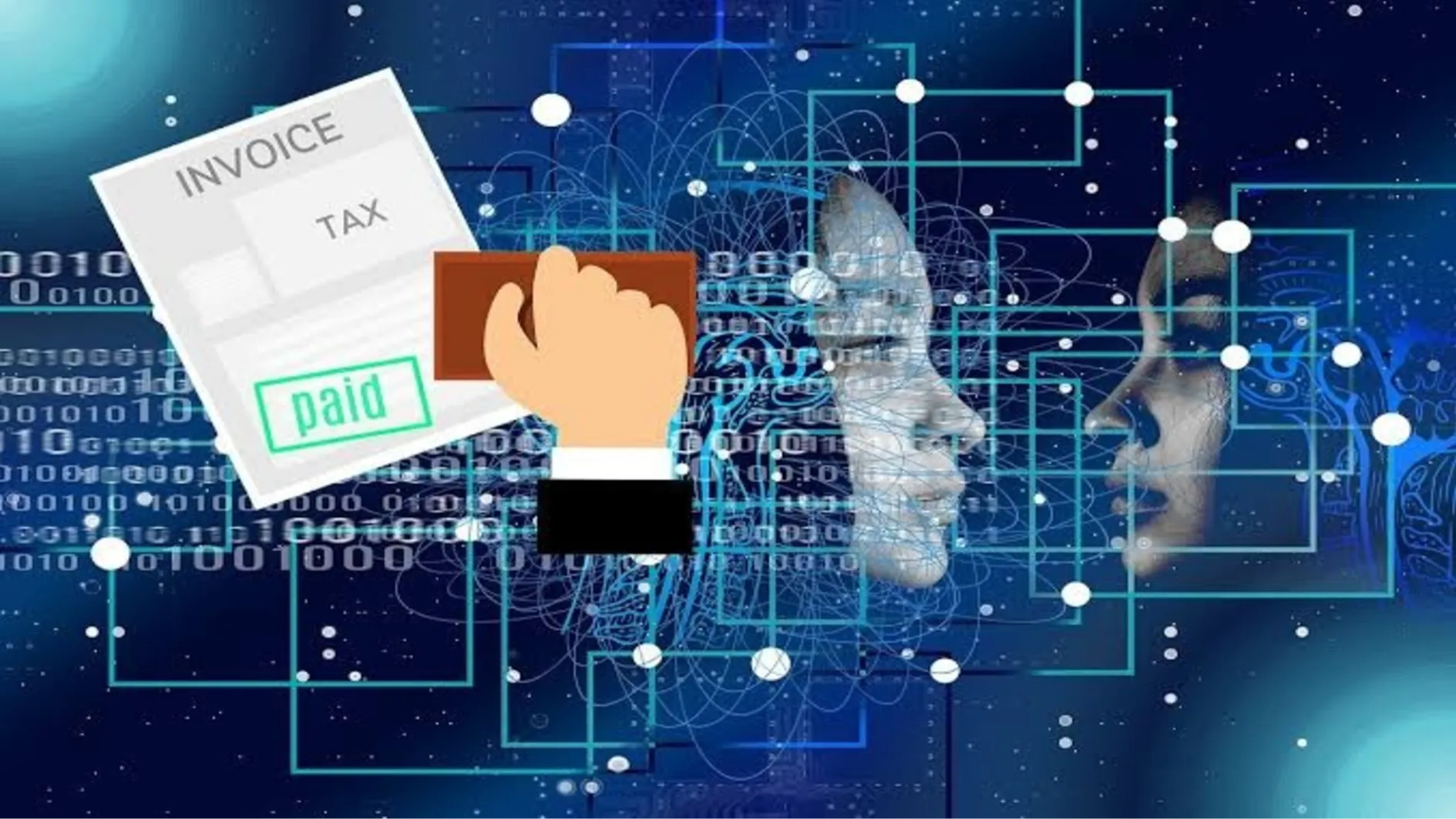
This is where AI OCR comes in. This technology can recognize text in documents and then convert it into digital data that can be processed by the system. Unlike conventional OCR, AI OCR not only reads characters but also understands the context of the information contained in the document.
For example, a company receives approximately 300 transaction documents each month. If each document takes an average of 3 minutes to read and input, the finance team would need approximately 15 man-hours just to record the data. With AI OCR connected to the best accounting software, the process can take place automatically in a matter of seconds.
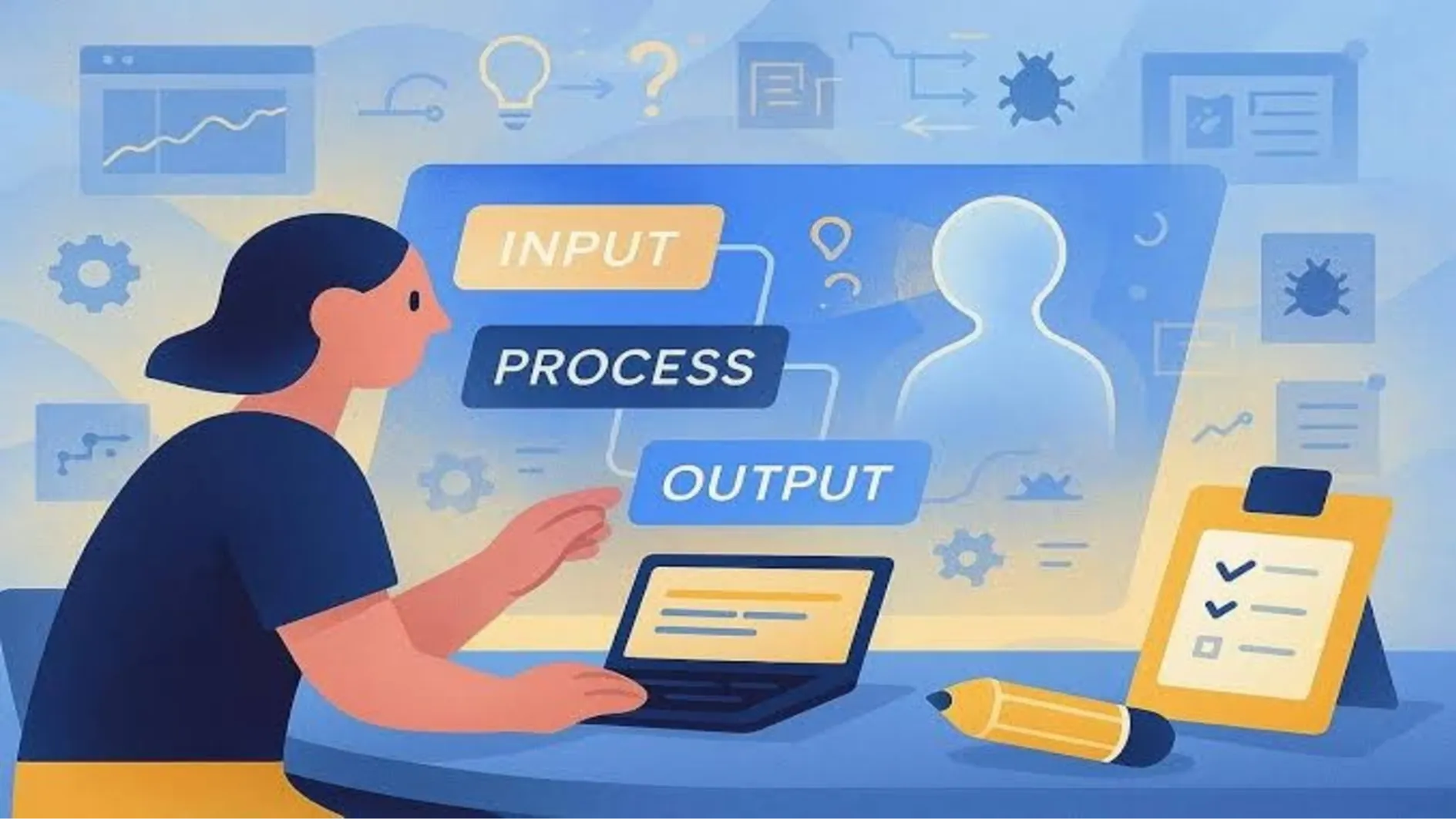
The working stages begin by reading the document using OCR. Once the text is successfully recognized, the AI performsdata extractionto retrieve important information such as vendor name, invoice number, transaction date, payment amount, VAT, and due date. The system then validates the data by comparing it to purchase orders, vendor data, or transactions already stored in the database. best accounting software.
If any discrepancies in amounts, duplicate invoices, or incomplete information are detected, AI will notify the finance team so they can verify the transaction before further processing. This approach helps reduce errors often caused by manual input.
AI OCR also supports various types of financial documents. In addition to invoices, this technology can read transfer receipts, purchase orders, receipts, tax invoices, and expense reports. All of this data is then automatically categorized and saved to the computer. best accounting softwareso it's easy to find again at any time.
In practice, companies typically combine AI OCR with workflow automation. Once a document is successfully read, the system can immediately create a transaction journal, send the document for approval, update payment status, and generate financial reports without the need for additional manual processes.
The more documents processed, the better AI OCR will understand the document patterns a company frequently uses. As a result, accuracy levels continue to improve, while processing times decrease. However, to maintain optimal results, companies need to ensure all data is stored consistently in the database. best accounting softwareas a financial information center.
Checklist Before Using AI OCR for Finance
- Use best accounting softwareas a data storage center.
- Make sure the document has clear image quality.
- Group documents by transaction type.
- Integrate AI OCR with your company's approval system.
- Perform automatic validation of vendor and purchase order data.
- Monitor AI reading results periodically.
- Evaluate data accuracy through the dashboard in best accounting software.
FAQ
1. What is AI OCR?
AI OCR is a technology that uses artificial intelligence to read documents and convert them into digital data that the system can process.
2. What documents can AI OCR read?
Invoices, tax invoices, receipts, purchase notes, proof of transfer, and scanned or photographed documents.
3. What is the difference between regular OCR and AI OCR?
Regular OCR only recognizes characters, whereas AI OCR also understands the structure and context of information in a document.
4. Can AI OCR reduce human error?
Yes. AI helps reduce data input errors, transaction duplication, and errors in recording amounts.
5. Why does AI OCR need to be connected to accounting software?
Because the results of reading the document must be recorded directly into best accounting softwareso that financial reports are always accurate.
6. Is AI OCR suitable for MSMEs?
Suitable. Businesses with many invoices or transaction documents can save time and improve administrative efficiency.
7. What is the biggest benefit of AI OCR for finance teams?
AI OCR accelerates document digitization, reduces manual work, and ensures all data is stored neatly in best accounting softwareso it is easy to manage and analyze.